WinX DVD Ripper Platinum
Rip a full DVD to MP4 (H.264/HEVC) in 5 mins. Backup DVD collection to hard drive, USB, etc with original quality. GPU Accelerated.
- DVD to MP4
- Support old/new/99-title DVD
- 1:1 copy DVD
- Full GPU acceleration
Learn More


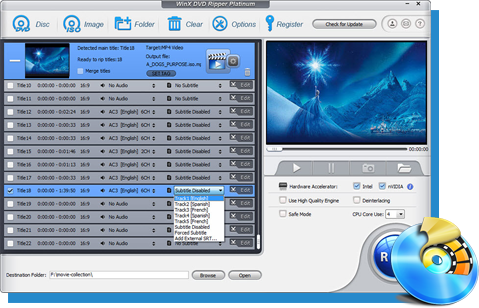
Rip a full DVD to MP4 (H.264/HEVC) in 5 mins. Backup DVD collection to hard drive, USB, etc with original quality. GPU Accelerated.
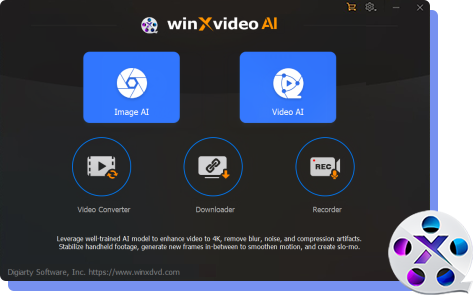
AI-powered video/image enhancer. Complete toolkit to upscale, stabilize, convert, compress, record, & edit 4K/8K/HDR videos. Cinema-grade quality. Full GPU accelerated.
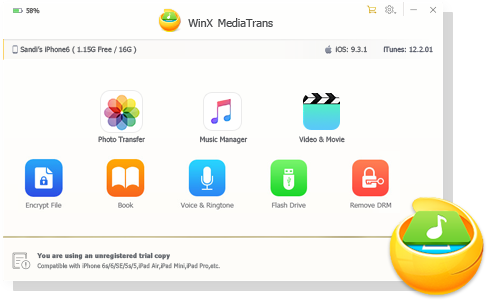
Manage, backup & transfer videos, music, photos between iPhone iPad and computer in an easier way. Free up space and fast two-way sync.

Find the answers to purchase benefits, license code, refund, etc.

Get help yourself if you have any questions with Digiarty Software.

Tutorials and step-by-step guides to learn how to use our products.

We've been focused on multimedia software solutions, since 2006.

Contact Support TeamHave any questions on purchase or need technical support, please contact us >>

X-project DRM
Sony ARccOS
UOPs
RCE/REA
DVD CSS
Region Code
Get WinX DVD Ripper Platinum Lifetime License:
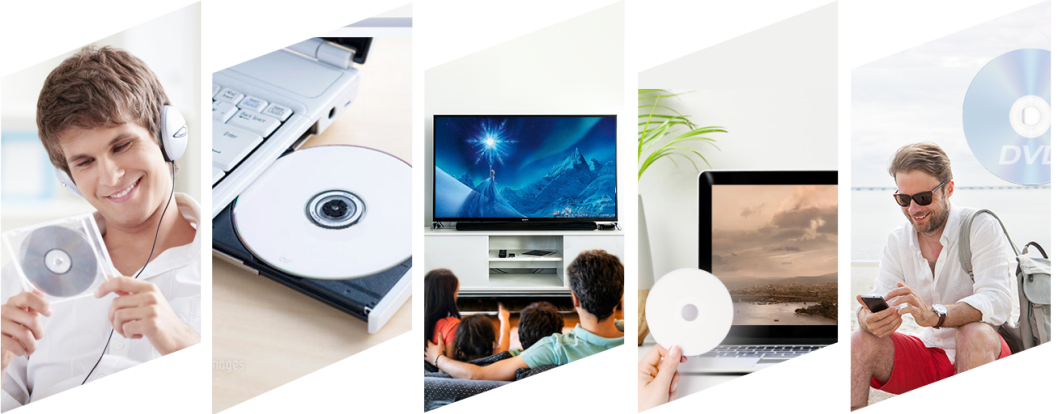
WinXDVD can completely rip your DVD in the real fastest speed while keeping original contents via unique hardware decoder+processing+encoder and Hyper-threading, etc. Converting a DVD movie takes 5 minutes only!
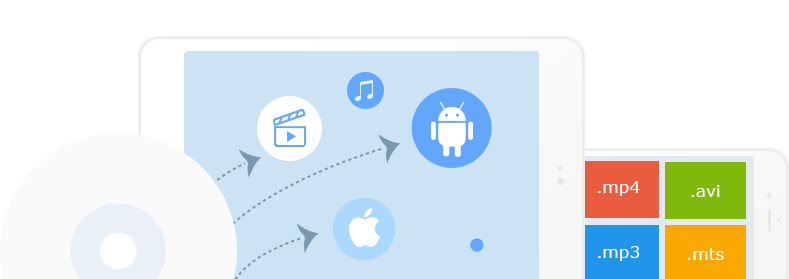
Built-in 350+ profiles for your devices. WinXDVD converts any DVDs to MP4, MOV, FLV, etc video formats and lets you playback on Apple (iPhone, iPad, iTunes), Android, Microsoft, Sony, etc. Just so easy!
Show More 
Buy WinXDVD Lifetime License Today, Save $6 and 30-day money back guarantee
WinX DVD Ripper is the most reliable tool to rip and digitize DVD collections to MP4 H.264. It updates frequently to support new DVDs. 47X faster, 1:1 lossless quality, 80% smaller.

Step One: Click "DVD Disc" to add the DVD. Step Two: Select a video format/device. Step Three: Hit "RUN" to start!
Learn how to free convert DVD to MP4 (H.264/HEVC) in 5 minutes with small size and best quality, and play DVD movies on PC, TV, mobile, etc.
Here's the top-rated DVD ripper review, where their killer features and DVD ripping performance are tested and reviewed thoroughly.
This benchmark comprehensively compares 18 popular DVD rippers across DVD structure analysis, ripping speed, decryption capability, resource efficiency, and operational stability.
This guide leads you to remove copy protection from DVD successfully so that you can freely rip protected DVD for backup or playback on portable devices.
Learn how to free copy DVD to hard drive on Windows 11/10/8/7 and Mac. Copy DVDs to external hard drive to watch on TV or store your DVD movies to computer hard drive.
We've reviewed 10 best free DVD players for Windows 10/11, including VLC, 5KPlayer, Windows DVD Player, DVD Player - Free, Kodi, PotPlayer, MPC-HC, GOM, KMPlayer and PowerDVD. Get download links here.
Looking for the fastest DVD ripper? Rip DVDs to MP4, HEVC, AVI and more with full GPU acceleration. Compare what makes a fast DVD ripper and convert DVDs in minutes.

We accept several types of payments, such as Credit Card (Visa, MasterCard, DinersClub, American Express, etc.), Bank/Wire Transfer, etc. through 2Checkout.
If you have any problems on ordering online, please call our payment processor 2Checkout: International: +31 88 000 0008; USA and Canada: (650) 963 - 5701

Once you complete the order, you will receive your order information and license code by email immediately. Input the license code and you can take advantage of all features to rip your DVD with fast speed and advanced DVD copy method.

1. Enjoy free upgrade to latest version during the membership period.
2. Lifetime free tech support.
3. 30-day money back guarantee.

Knowledgeable representatives available to assist you through email response within 24 hours for any purchase or program problems. Email: support@winxdvd.com
Legal Disclaimer: WinXDVD, developed by Digiarty Software, is designed strictly for personal, non-commercial media backup under fair use. Digiarty Software strictly respects copyright laws and does not condone, facilitate, or support copyright infringement or unauthorized copying. Users are advised to check and comply with their local DVD copyright laws and regulations before use.